Integrations
localmem-mcp speaks MCP over stdio and takes no arguments, so it works with every MCP-capable coding agent. What differs between them is only where the config file lives and what shape it expects.
These pages give you the exact file and the exact snippet for each agent — checked against that agent's own documentation, not transcribed from another one's.
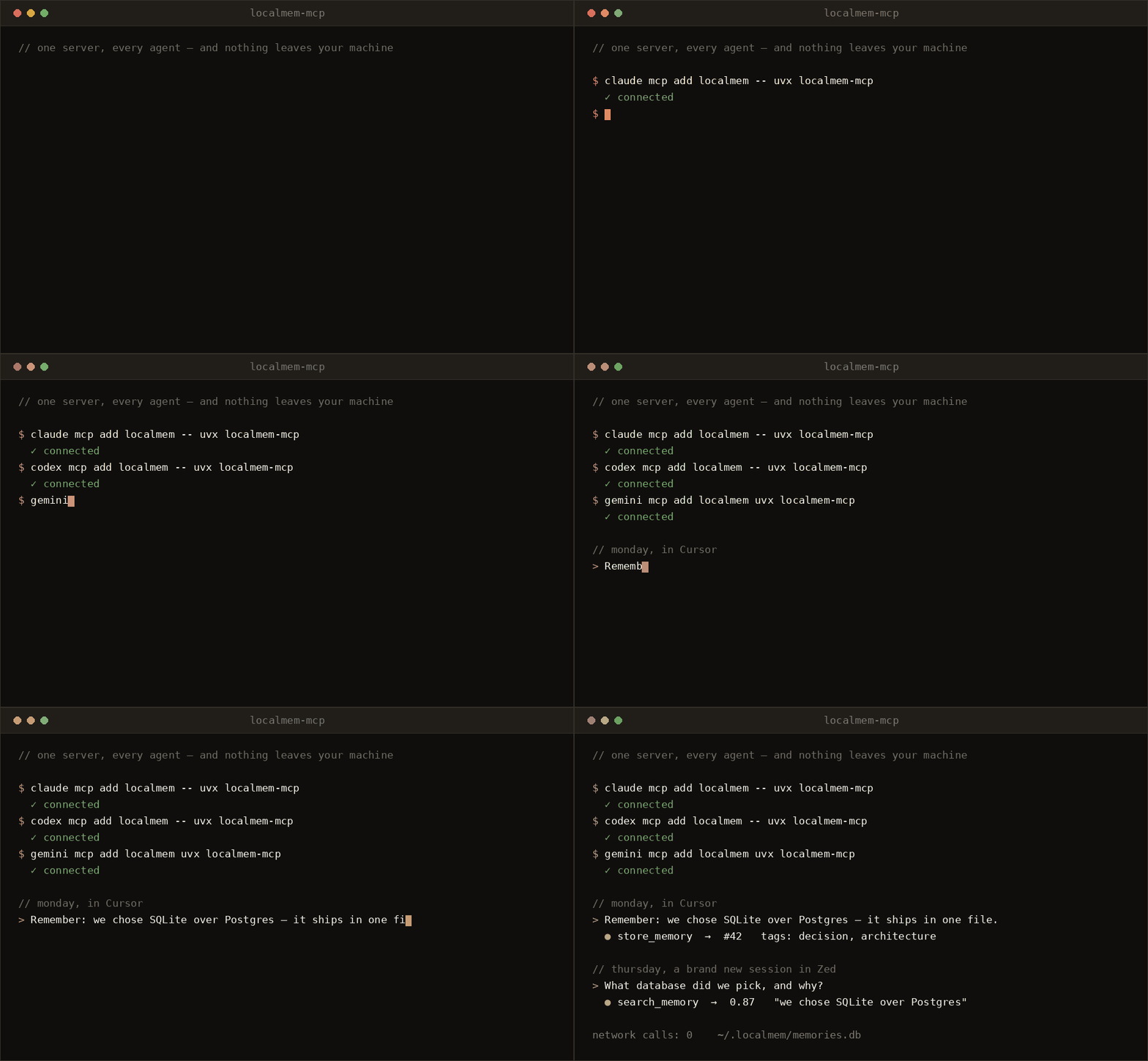
Register it once per agent, and they all read the same memories out of the same SQLite file. Store a decision in Cursor on Monday; Zed finds it on Thursday.
-
Terminal agents
Claude Code, Codex CLI, Gemini CLI, Copilot CLI, Goose, OpenCode, Crush, Amp, Amazon Q, Qwen Code, Junie, Antigravity CLI, Warp.
-
IDEs and editors
Cursor, Windsurf, Zed, VS Code, JetBrains AI Assistant, Trae, Antigravity IDE.
-
VS Code extensions
Cline, Roo Code, Kilo Code, Continue.
-
Desktop and custom
Claude Desktop, ChatGPT desktop, and driving the store from your own Python.
The two shapes
Nearly every agent wants one of two things. If yours isn't listed anywhere on these pages, try the first shape — it's the one most clients accept.
Used by Claude Code, Claude Desktop, Cursor, Windsurf, Cline, Roo Code, JetBrains, Junie, Trae, Warp, Amazon Q, Copilot CLI, Antigravity, and Gemini CLI.
The rest are variations worth knowing about, because each one fails silently when you paste the wrong shape:
| Variation | Agents | What's different |
|---|---|---|
Root key servers |
VS Code | Not mcpServers. A pasted Cursor config does nothing. |
command is an array |
OpenCode, Kilo Code | "command": ["uvx", "localmem-mcp"] — no separate args. |
Root key mcp |
Crush, Kilo Code | Not mcpServers. |
Root key context_servers |
Zed | And args is required even when empty. |
Root key extensions, cmd |
Goose | YAML, and the key is cmd, not command. |
| A YAML list | Continue | Entries carry their own name field. |
| Prefixed key | Amp | amp.mcpServers, inside a settings file. |
Support matrix
Every agent below runs localmem-mcp over stdio. "Add command" means the agent can register the server for you without your editing any file.
| Agent | Config file | Add command |
|---|---|---|
| Claude Code | ~/.claude.json · .mcp.json |
claude mcp add |
| OpenAI Codex CLI | ~/.codex/config.toml |
codex mcp add |
| Gemini CLI | ~/.gemini/settings.json |
gemini mcp add |
| GitHub Copilot CLI | ~/.copilot/mcp-config.json |
copilot mcp add |
| Goose | ~/.config/goose/config.yaml |
goose configure |
| OpenCode | ~/.config/opencode/opencode.json |
opencode mcp add |
| Crush | crush.json |
mcp add in crushrc |
| Amp | ~/.config/amp/settings.json |
amp mcp add |
| Amazon Q Developer CLI | ~/.aws/amazonq/mcp.json |
q mcp add |
| Qwen Code | ~/.qwen/settings.json |
— |
| Junie | ~/.junie/mcp/mcp.json |
/mcp |
| Antigravity CLI | ~/.gemini/config/mcp_config.json |
/mcp |
| Warp | ~/.warp/.mcp.json |
/agent-add-mcp |
| Cursor | ~/.cursor/mcp.json · .cursor/mcp.json |
— |
| Windsurf | ~/.codeium/windsurf/mcp_config.json |
— |
| Zed | ~/.config/zed/settings.json |
Agent Panel |
| VS Code | .vscode/mcp.json |
code --add-mcp |
| JetBrains AI Assistant | Settings dialog | — |
| Trae | .trae/mcp.json |
Settings → MCP |
| Antigravity IDE | ~/.gemini/config/mcp_config.json |
MCP Store |
| Cline | cline_mcp_settings.json |
MCP panel |
| Roo Code | mcp_settings.json · .roo/mcp.json |
MCP panel |
| Kilo Code | ~/.config/kilo/kilo.jsonc |
Settings → MCP |
| Continue | .continue/mcpServers/*.yaml |
— |
| Claude Desktop | claude_desktop_config.json |
— |
| ChatGPT desktop | ~/.codex/config.toml |
codex mcp add |
| Your own Python | — | — |
Before you start
Install nothing. Every snippet on these pages runs uvx localmem-mcp, and
uv fetches the package on demand. If you'd
rather install it, pip install localmem-mcp and then use "command":
"localmem-mcp" with no args.
Pre-warm the model. The first embedding triggers a one-time ~90 MB download, which can look like a hung tool call inside an agent. Get it out of the way:
Use an absolute path if the agent can't find uvx. GUI-launched agents
often don't inherit your shell's PATH. which uvx gives you the path to
paste in place of "uvx". This is the single most common failure across every
agent on these pages.
Making the agent actually use it
Registering the server gives the agent four tools. It does not make the agent
reach for them — most agents won't store a memory unless told to. Put this in
whatever file the agent reads as project instructions (CLAUDE.md,
AGENTS.md, .cursor/rules/, .github/copilot-instructions.md,
GEMINI.md, .windsurfrules, …):
## Memory

You have persistent memory via the localmem MCP server.

- Search it with `search_memory` before asking about project context — the
  answer may already be there from an earlier session.
- Save durable facts with `store_memory`: decisions and their rationale,
  conventions, preferences, gotchas. Tag them.
- Don't store transient state — current diffs, task lists, or anything true
  only for this session.
The MCP tools reference covers what each tool does and when the agent should choose it.
Per-project memory
By default every agent shares one database at ~/.localmem/memories.db — which
is usually what you want for preferences that should follow you everywhere.
Project context is often better kept separate, so unrelated work doesn't dilute
search results.
Two ways, and every agent on these pages supports at least one:
You can also run both at once — a global server for preferences and a project-scoped one for context — by registering two entries under different names. Configuration has the full picture.
Troubleshooting
The agent shows no localmem tools
Restart it completely. MCP servers are discovered at startup, so a new conversation in an already-running agent isn't enough.
Then confirm the command works standalone:
If that fails, the problem is installation rather than the agent — see Installation.
The config looks right but nothing loads
Check the root key against the variations table above.
Most agents fail silently on an unrecognised shape: VS Code wants
servers, Crush and Kilo Code want mcp, Zed wants context_servers,
Goose wants extensions. Codex ignores mcp-servers and mcpservers —
only mcp_servers works.
Then validate the file. A trailing comma or a missing bracket takes down every server in the file, not just the one you added.
uvx: command not found
Either install uv,
or pip install localmem-mcp and use "command": "localmem-mcp".
If uvx works in your terminal but not in the agent, the agent isn't
inheriting your PATH. Use the absolute path from which uvx.
The first tool call hangs or times out
That's the one-time model download. Pre-warm it from a terminal:
Memories from another agent don't show up
Different agents are pointed at different databases. Ask each one for
memory_stats, or check from a terminal:
Agents sharing memory need to resolve to the same --db path. Note that a
relative path resolves against the agent's working directory, which is
rarely what you want — use absolute paths when sharing.